Skip to main content Microsoft Windows for business Windows 11 Pro Windows 11 Pro for Workstations Compare Windows 11 Business Editions Compare Windows 10 Pro & Windows 11 Pro Windows 10 Pro Explore devices Copilot+ PCs Help me choose a computer Secured-core PCs AI for business Productivity Security Business readiness Knowledge Center Tips & tricks Windows Roadmap Windows Resiliency Initiative Windows 8.1 and 7 end of support Windows XP end of support Internet Explorer end of support For enterprise For home How to buy Microsoft Security Azure Dynamics 365 Microsoft 365 Microsoft Teams Windows 365 Microsoft AI Azure Space Mixed reality Microsoft HoloLens Microsoft Viva Quantum computing Sustainability Education Automotive Financial services Government Healthcare Manufacturing Retail Find a partner Become a partner Partner Network Microsoft Marketplace Software companies Blog Microsoft Advertising Developer Center Documentation Events Licensing Microsoft Learn Microsoft Research View Sitemap
Animation
Help me choose a computer HERE
Windows for business

Secure any opportunity with Windows 11 test rps

How to buy
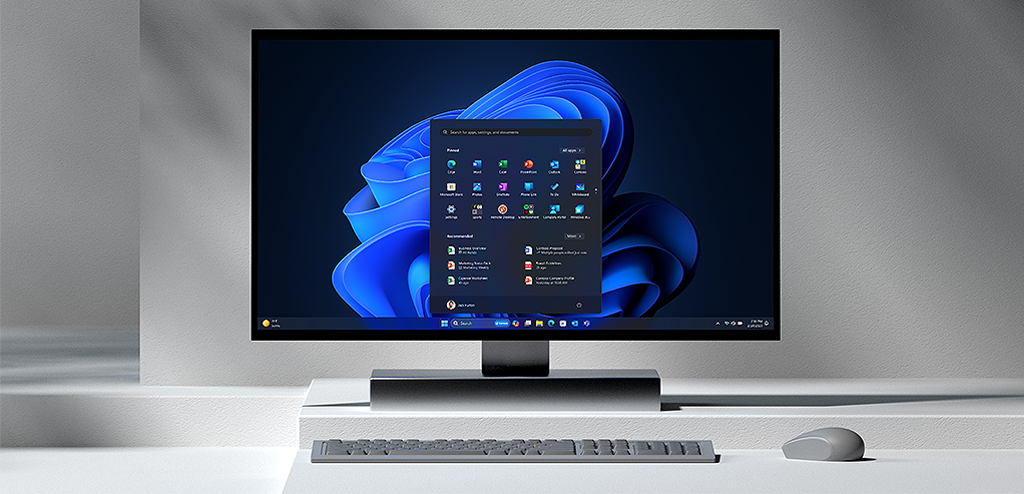
A blue, rounded shape with lots of layers and folds

Most secure Windows ever. AI enhanced. Easy to use.

Blue square outline of a tablet in front of blue outline of laptop Help me choose a computer
Blue square with another blue square in front of it, within it, two by two rows of solid squares Compare Windows 11 editions
Outline of laptop with screen open Explore Windows 11 Pro features

With powerful security built-in and enabled by default, businesses using Windows 11 Pro reported a 3.1x reduction in firmware attacks.1

Security out of the box

Put security at the core of your business with layers of built-in protection enabled by default. Discover why organizations reported a 58% drop in security incidents with Windows 11 computers.1

Discover Windows 11 Pro
  • Shield credentials and other sensitive data with layers of hardware-backed protection, including TPM 2.0.

  • Increase malware resistance with Virtualization Based Security (VBS) and Hypervisor Code Integrity (HCVI) already enabled.

  • Safeguard apps and data anywhere with features like App Control for Business and Bitlocker.

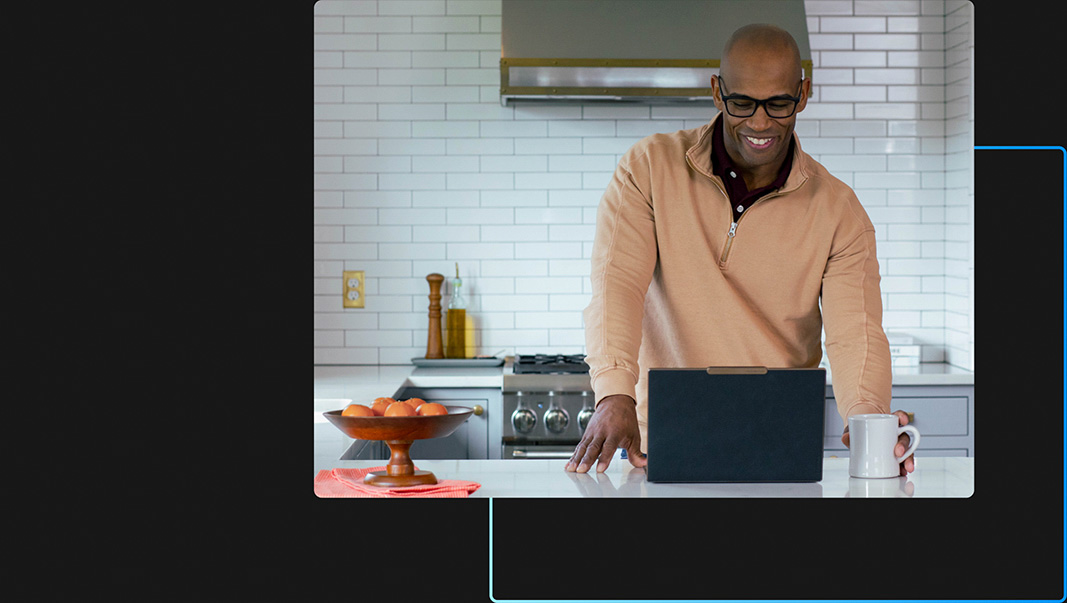
  • A person in a kitchen working on their laptop while smiling and gripping a mug
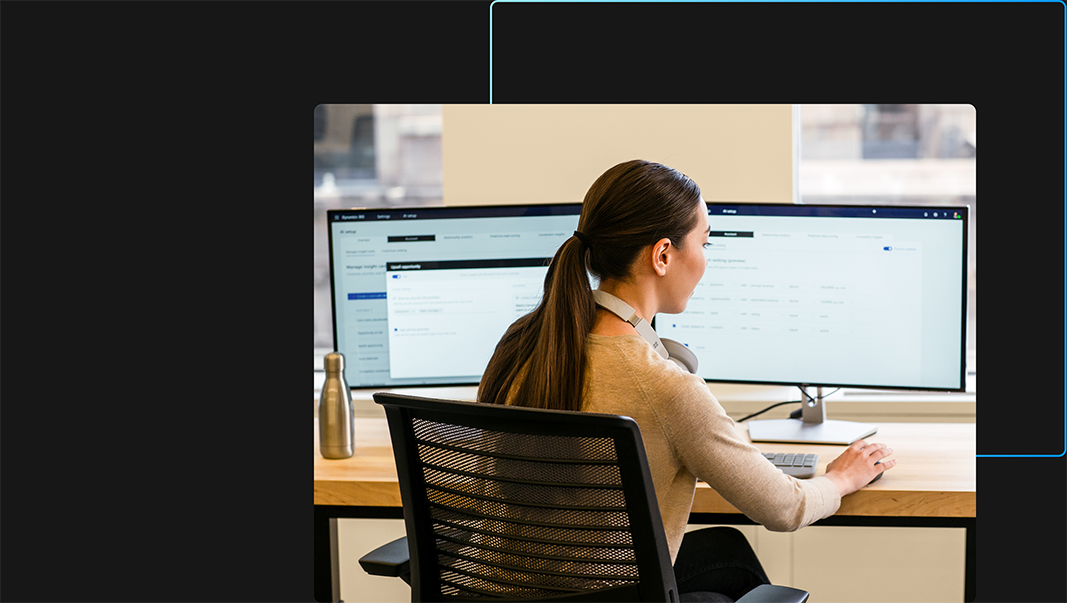
  • Woman working in office with two monitors, with headphones around neck and using a mouse.
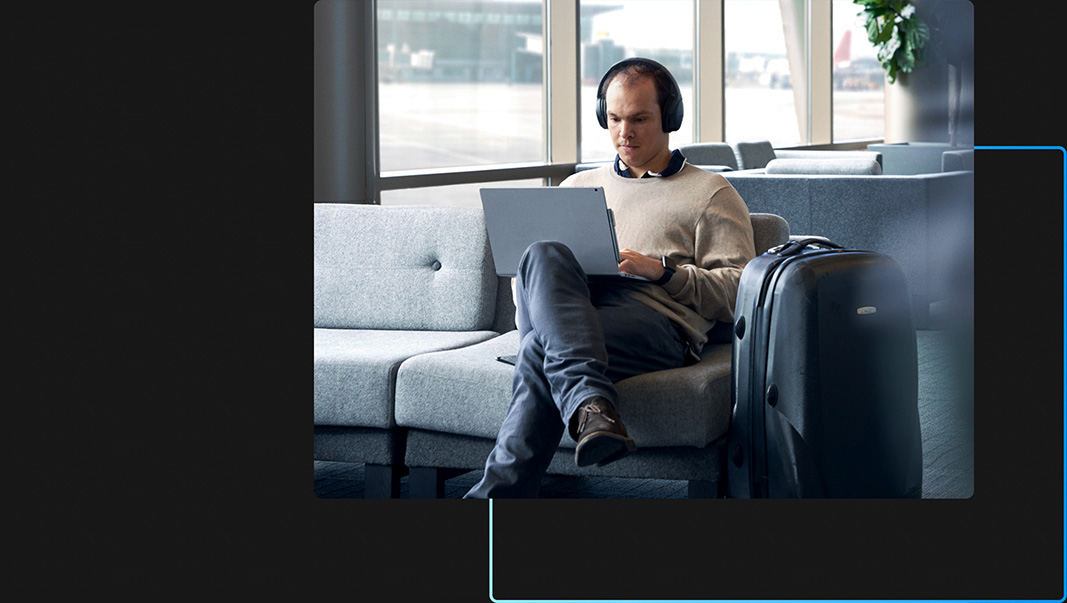
  • A person sitting in an airport lounge wearing headphones and using their laptop with their legs crossed and their suitcase nearby

Achieve more with the latest AI

Blaze through your to-do list with Copilot in Windows with Bing Chat Enterprise10, your new AI assistant for work. Windows 11 Pro helps you get organized in a snap with performance to complete demanding workloads 42% faster on average.9

Explore productivity
  • Optimize available desktop space with snap layouts that work with a click or touch.6

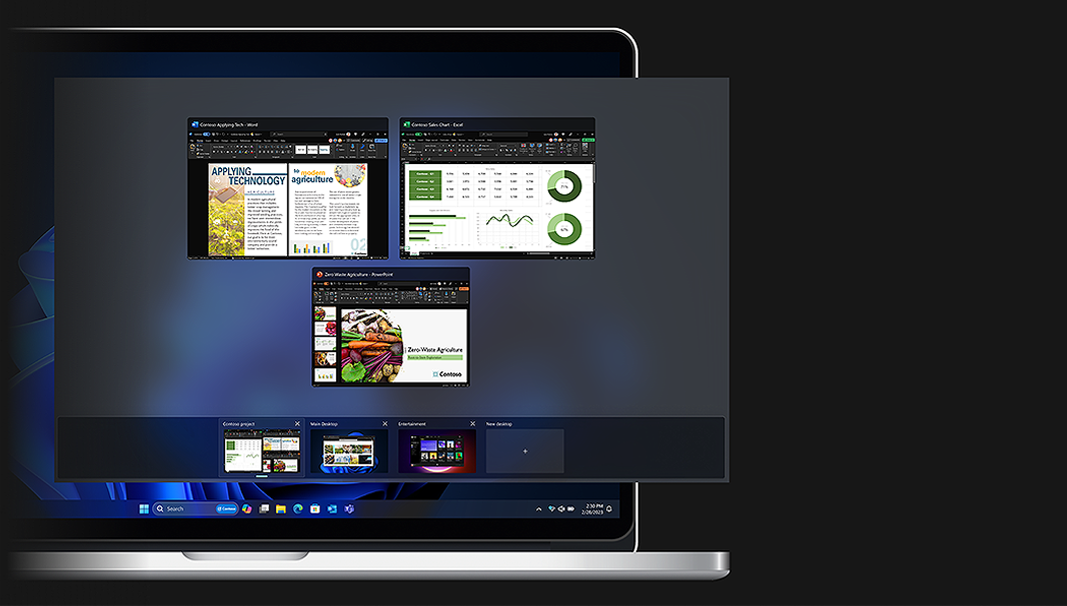
  • Organize projects in separate desktops to improve efficiency, and switch between them from your taskbar.

  • Enjoy effortless navigation and a more intuitive experience with a personalized File Explorer,8 Start menu app folders, and a centered Taskbar.

  • An image on screen displaying windows in a custom desktop grouping.

Future-ready security management

Upgrade productivity today and leverage cloud-ready features tomorrow for your next step innovation, including a reported 25% faster deployment time.7

Learn more
  • Windows 11 supports the broadest app, peripheral, and device ecosystem. With 99.7% app compatibility, you can upgrade productivity while using your existing apps and accessories.3

  • Use zero-touch provisioning with Windows Autopilot5 and Microsoft Entra ID and Microsoft Intune4 for a reported 25% faster deployment time.9 Plus automate updates with Windows Update for Business.

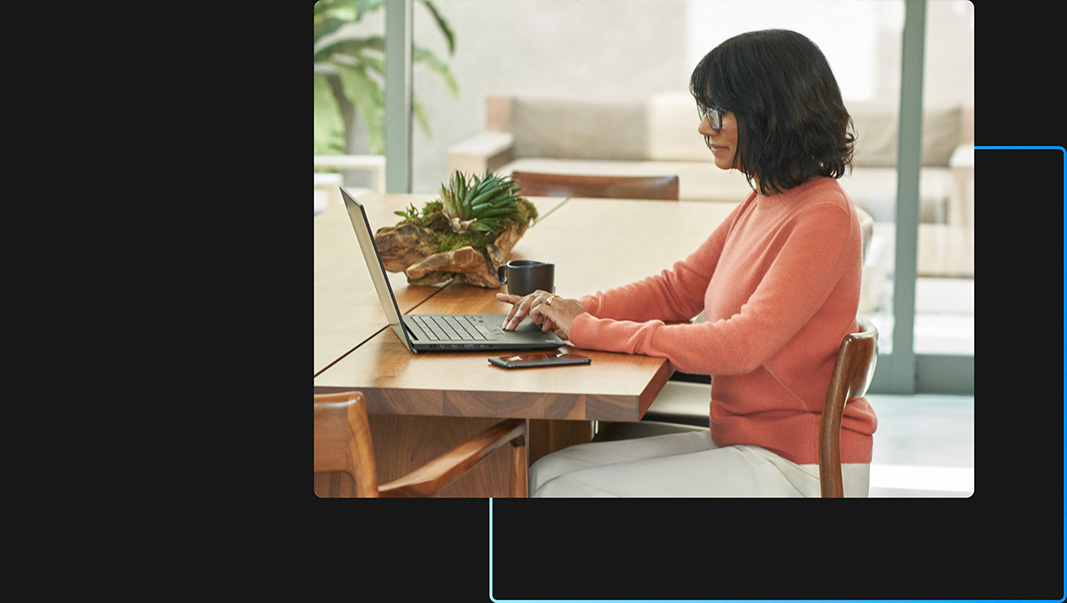
  • A person at a table working on their laptop with their mobile device nearby
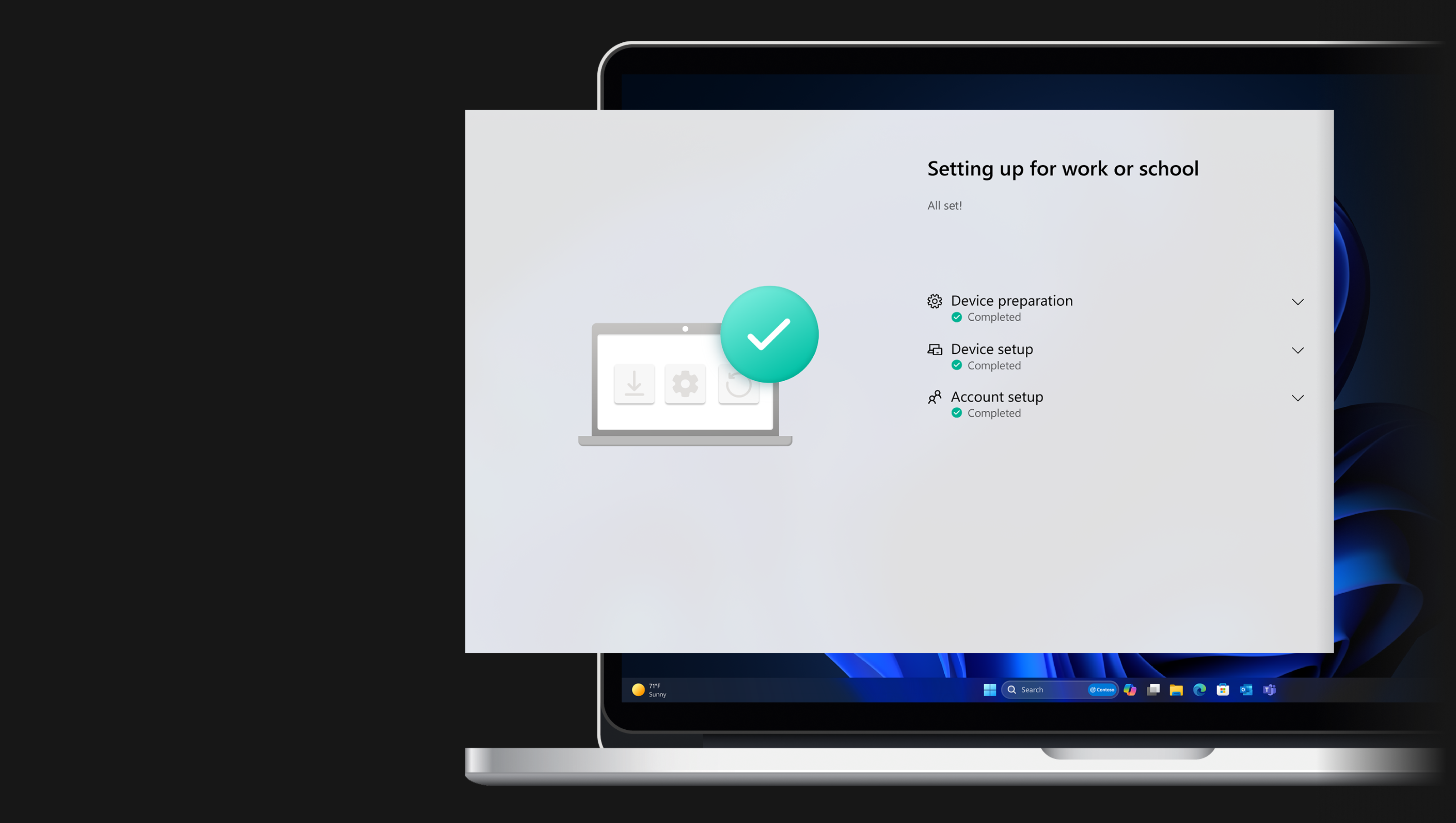
  • A device screen showing a setup screen

Stay ahead of evolving threats

Dive into work anywhere while layers of built-in security protect against threats – including a reported 2.8x fewer instances of identity theft.1

Learn more
  • Sign in easily and securely with your face, fingerprint, or PIN using Windows Hello passwordless authentication.2

  • Safeguard credentials with enhanced phishing protection in Microsoft Defender SmartScreen, plus presence sensing to lock your PC when you leave, and sign in when you approach using Windows Hello.

The right Windows for your business

Compare all editions
Windows 11 logo against blue background

Windows 11 Pro

Enable exceptional work anywhere with layers of built-in security and AI-powered business tools for multitasking.

See Windows 11 Pro

Windows 11 Pro for Workstations

Equipped for the most demanding workloads with features like faster filesharing and advanced processing.

See Windows 11 Pro for Workstations

Windows 11 Enterprise

For organizations with advanced security and management needs.
See Windows 11 Enterprise
Windows 11 logo against blue background

Invest in the future of your business

Secure opportunities with groundbreaking computers powered by the most secure Windows yet.

View all computers
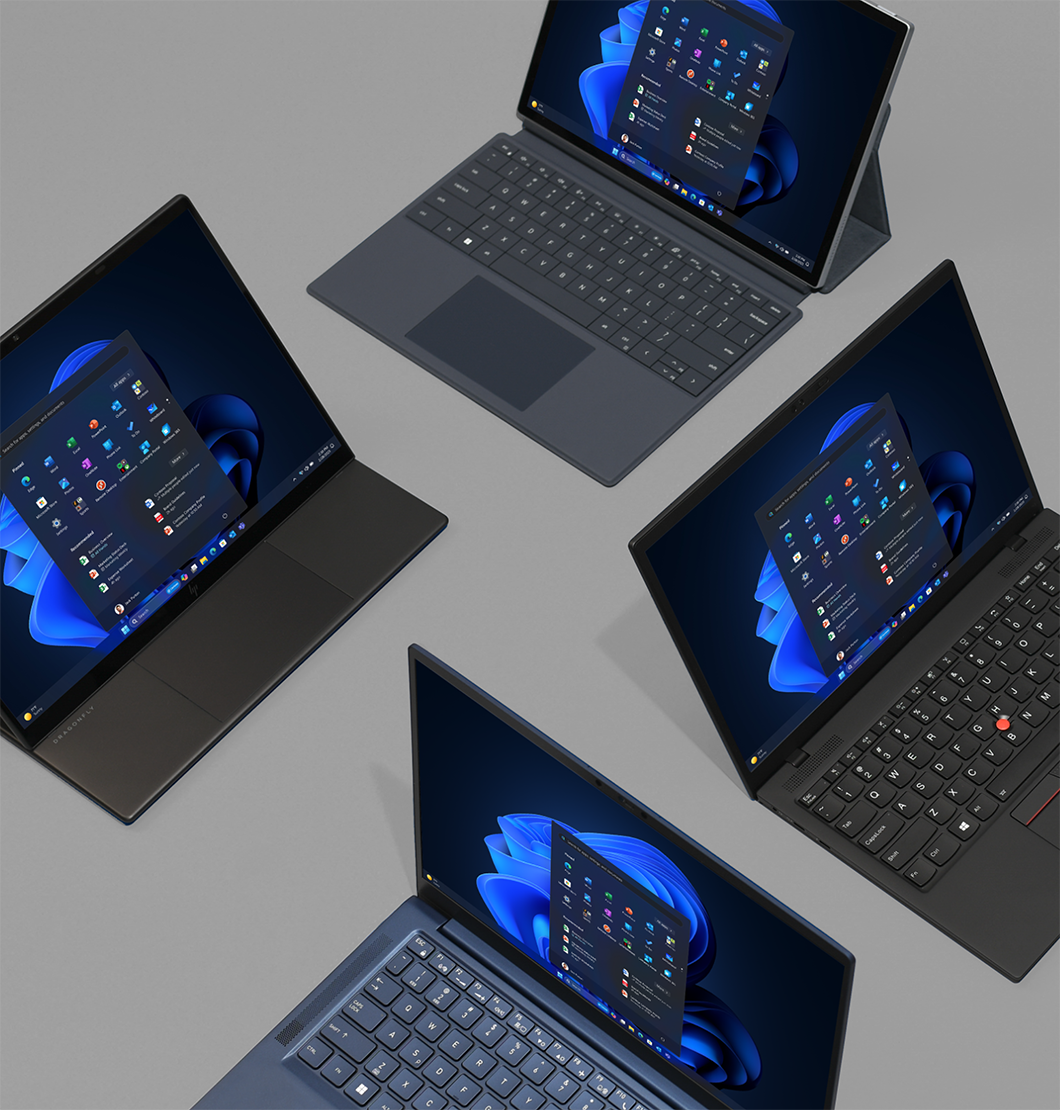
Family of Windows devices

View all PCs
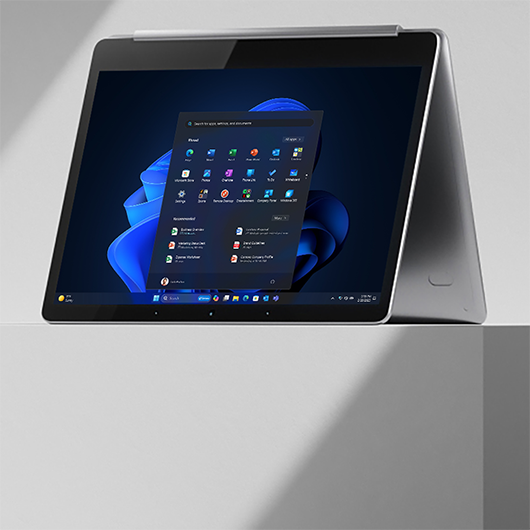
A 2-in-1 device folded over

View 2-in-1s
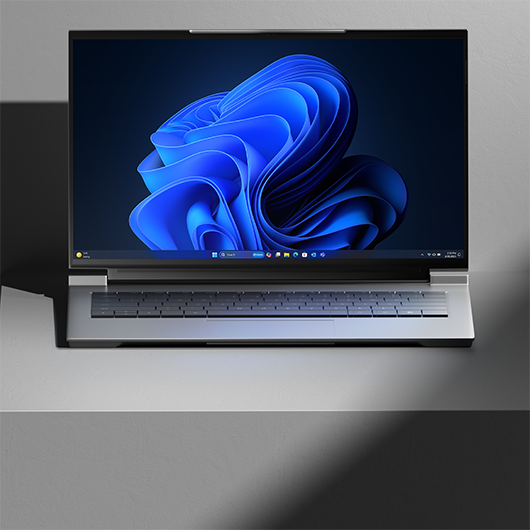
A Windows laptop on display

View laptops
A Windows all-in-one computer on display

View all-in-ones

Transform business with Windows 11

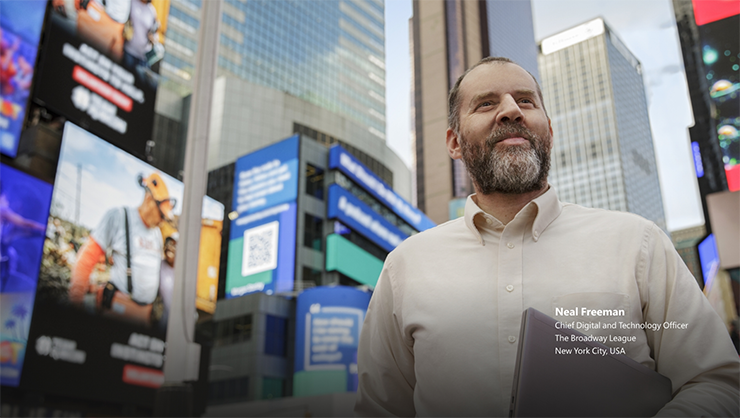
Man standing in New York City with Broadway behind him.

Powerful security built in

Learn how The Broadway League stays ahead of evolving threats, including credential theft and phishing, so they can focus on their mission.

Read Neal’s story Play video
Woman standing in front of theatre.

Redefine productivity for your business

The Broadway League is helping more people make a bigger impact with an AI-enhanced, inclusive experience on Windows 11. Learn how the team is improving productivity with AI-powered multitasking and accessibility features like live captions.

Read Gennean’s story Play video
Text of Forrester logo

Discover the business value of Windows 11

Learn about the business impact of Windows devices in the latest commissioned Total Economic Impact™ studies by Forrester Consulting.
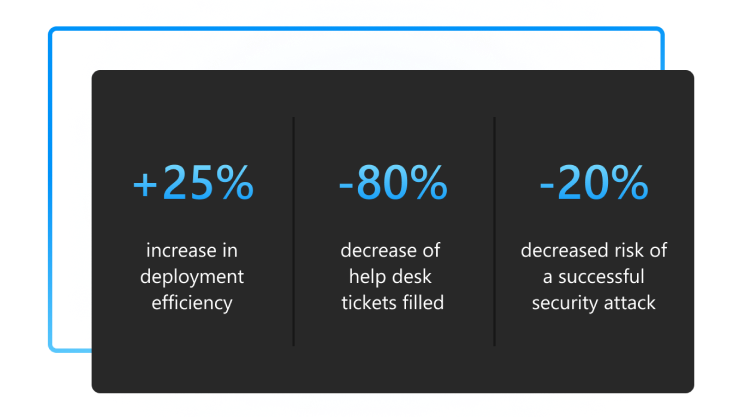
Dark grey shaded square with blue gradient around perimeter, containing blue gradient percentages detailing Windows 11 Pro performance.

Forrester study found 250% ROI

Explore how new Windows 11 Pro computers delivered cost-effective results including a 15% better end user productivity and 20% increase in security team productivity. Factors like tighter security, faster deployment, and fewer help desk tickets resulted in 250% ROI in six months. Utilize the Windows 11 calculator tool to get your personalized analysis.7
See the study Calculate economic impact
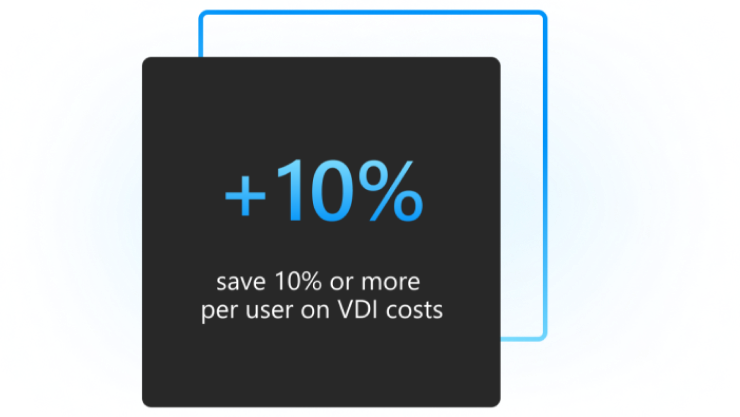
Dark grey shaded square with blue gradient around perimeter, containing blue gradient percentage detailing savings on VDI costs.

Forrester identifies benefits of Windows for business

Survey respondents indicated that non-Windows devices for business above $500 required virtual desktop infrastructure (VDI) support, which cost 10% to 20% more per user as compared to Windows PCs for business.8

Learn more about benefits

Upgrade to Windows 11, our most secure version yet

With layers of powerful protection enabled by default and AI-enhanced business tools for efficiency, Windows 11 provides the security to thrive anywhere and the performance to meet your boldest goals. See how it all adds up to help you secure any opportunity.

View infographic
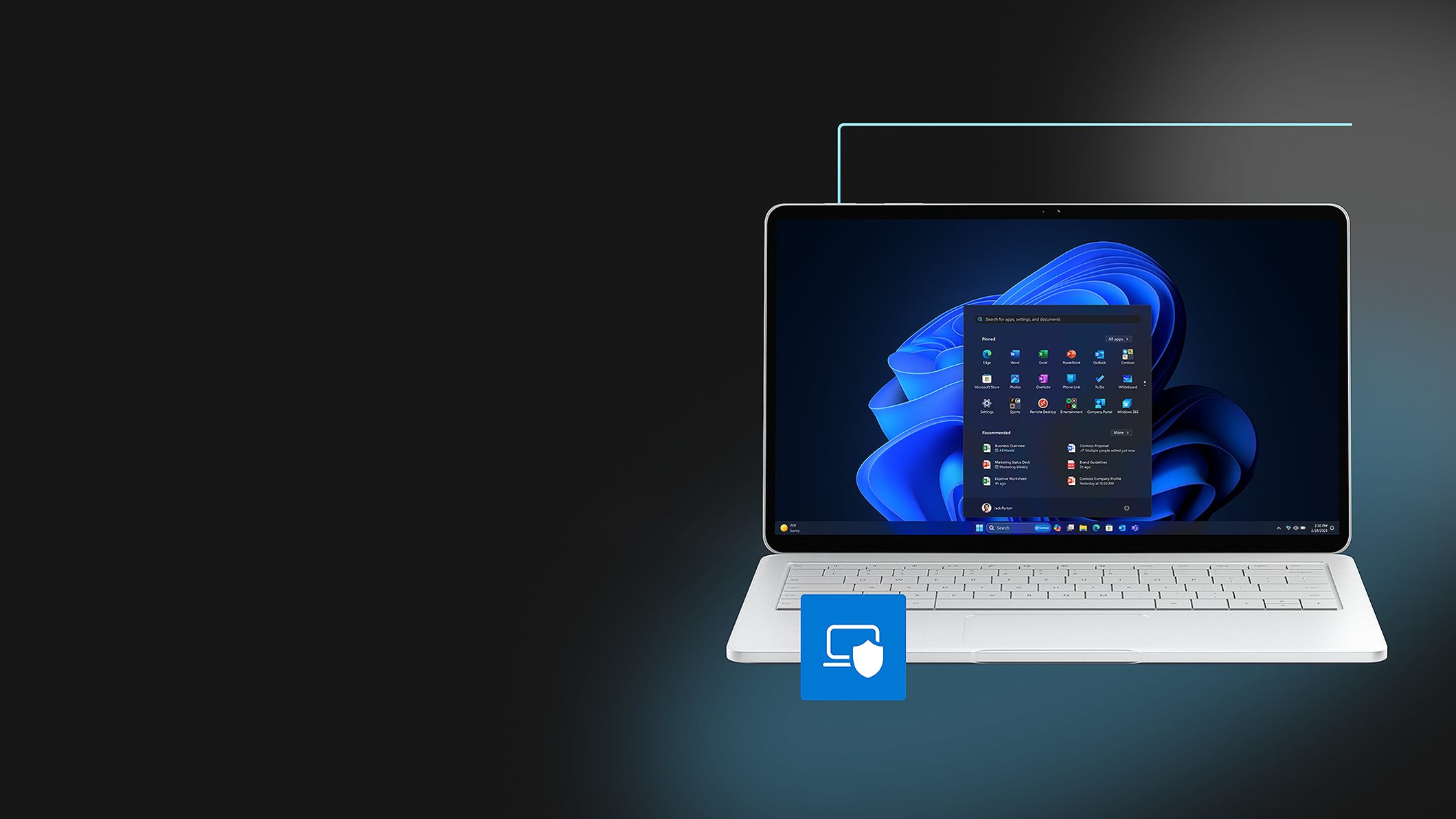
Windows 11 Pro desktop screen and taskbar start menu open on a laptop.

Support from installation to integration, and everything in between

Got questions? We have the resources you need.

Headset icon

Microsoft Learn for IT pros

Dive into connected, comprehensive technical resources.

Learn more
Speech bubble icon

Microsoft Tech Community

Explore a forum for sharing ideas and open collaboration.

Start collaborating
Three-person group icon

Windows Insider Program

Preview the latest builds and learn what’s next.

Join the program
  • 1 Windows 11 results are in comparison with Windows 10 devices. “Windows 11 Survey Report,” Techaisle, February 2022.
  • 2 Biometric hardware required for face/fingerprint login.
  • 3 App Assure program data from Oct 2018 to Feb 2022.
  • 4 Sold separately.
  • 5 Azure Active Directory required.
  • 6 Hardware dependent.
  • 7 Commissioned study delivered by Forrester Consulting “The Total Economic Impact™ of Windows 11 Pro Devices”, December 2022. Note, quantified benefits reflect results over three years combined into a single composite organization that generates $1 billion in annual revenue, has 2,000 employees, refreshes hardware on a four-year cycle, and migrates the entirety of its workforce to Windows 11 devices.
  • 8 Commissioned study delivered by Forrester Consulting “The Total Economic Impact™ of Microsoft Windows PCs for Business: Cost Savings and Business Benefits Enabled by Windows PCs for Business as Compared to Non-Windows PCs and Devices,” September 2021. Note, quantified benefits based on interviews with ten customers and a survey of 1,782 decision-makers combined into a single composite organization.
  • 9 Compared to Windows 10 devices. “Improve your day-to-day experience with Windows 11 Pro laptops,” Principled Technologies, February 2023.
  • 10 Requires Microsoft 365 Business Standard or higher, or Microsoft Entra ID (AAD) with a standalone Bing Chat Enterprise license. Sold separately.

Features and app availability may vary by region.

Video contains pre-release products that are coming soon. Subject to change.
Some features/functionality shown require additional licenses and/or specific hardware. Windows Hello: Biometric hardware required for face/fingerprint login. Snap layouts: Some layouts only available based on display resolution and scale settings. Remote help add-on license required in addition to license for Microsoft Intune, Enterprise Mobility + Security (EMS E3/5), or Microsoft 365 E3/5. For more information on Microsoft Intune see this page. For more information on Enterprise Mobility + Security see this page. Microsoft Search: Microsoft 365 required; subscription sold separately. Camera effects: Microsoft Teams business features licensed separately. Hardware dependent. Experience may vary based on application.

Follow Microsoft Windows

  • LinkdIn
  • Facebook
  • X (formerly Twitter)
  • Blog
  • Youtube

Share this page

  • Facebook
  • X (formerly Twitter)
Surface Pro Surface Laptop Surface Laptop Ultra Surface RTX Spark Dev Box Copilot for organizations Copilot for personal use Explore Microsoft products Windows 11 apps Account profile Download Center Microsoft Store support Returns Order tracking Certified Refurbished Microsoft Store Promise Flexible Payments Microsoft in education Devices for education Microsoft Teams for Education Microsoft 365 Education How to buy for your school Educator training and development Deals for students and parents AI for education
Microsoft AI Microsoft Security Dynamics 365 Microsoft 365 Microsoft Power Platform Microsoft Teams Microsoft 365 Copilot Small Business Azure Microsoft Developer Microsoft Learn Support for AI marketplace apps Microsoft Tech Community Microsoft Marketplace Software companies Visual Studio Careers About Microsoft Company news Privacy at Microsoft Investors Diversity and inclusion Accessibility Sustainability
English (United States)
Your Privacy Choices Opt-Out Icon Your Privacy Choices
Consumer Health Privacy Contact us Privacy Manage cookies Terms of use Trademarks About our ads